Lesson 1 is free
Freelancing with AI
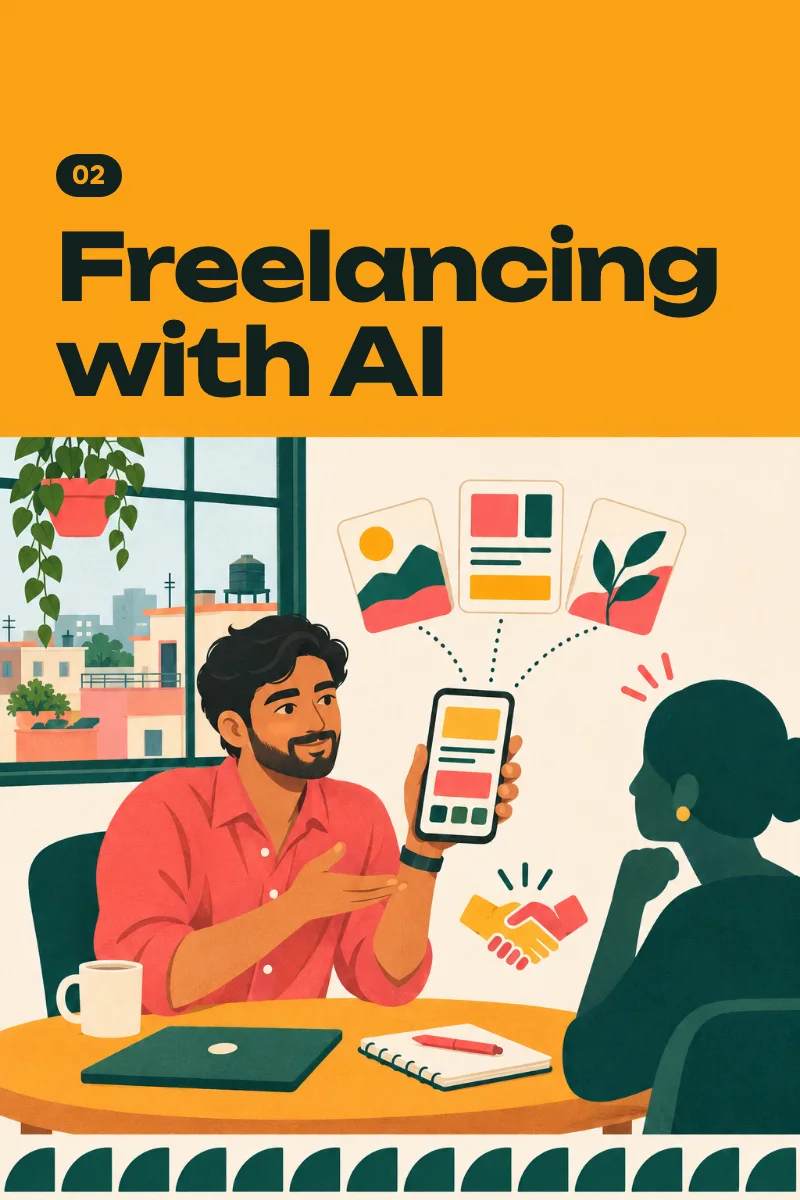
Pick one service, make three samples, set a price, and send real proposals.
Audio course · 8 lessons
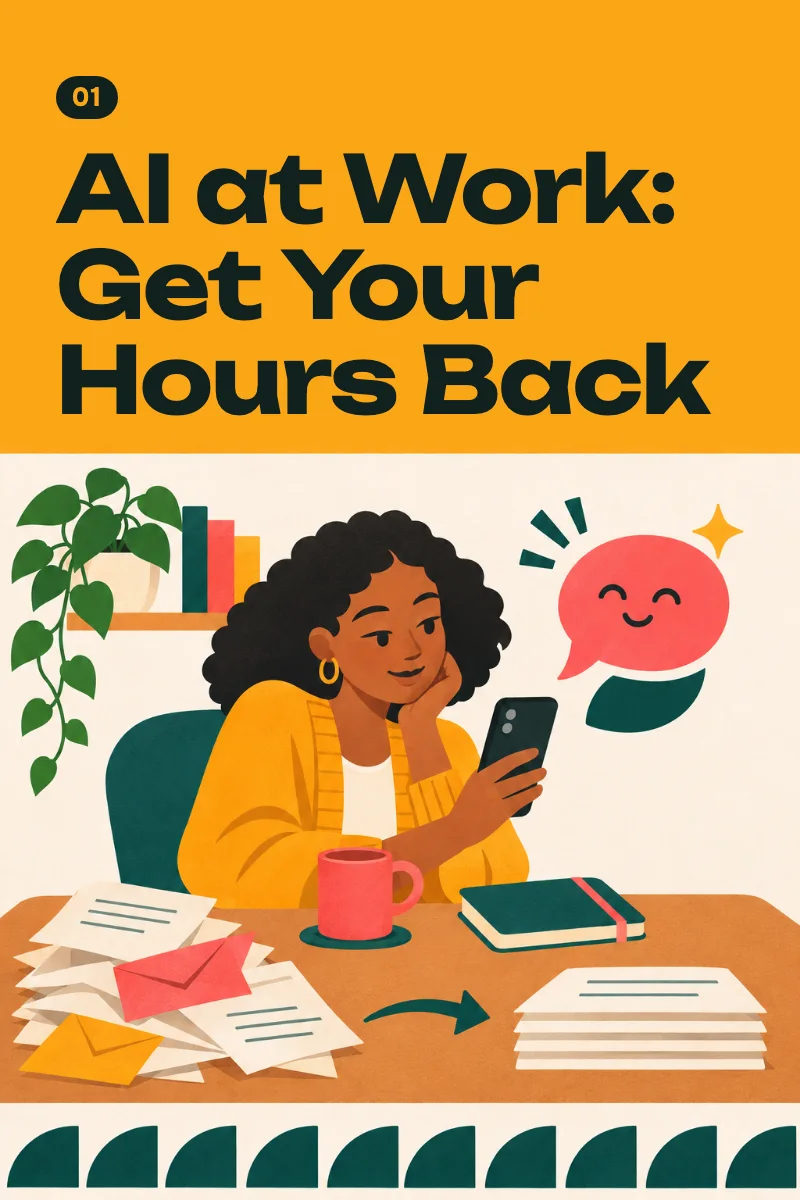
Replies, summaries, reports, and slides with a free AI assistant on your phone.
You'll learn to hand the repetitive parts of your work, such as replies, summaries, short reports, slide outlines, and weekly plans, to a free AI assistant on your phone, check what comes back, and keep a kit of prompts tested on your own tasks; how much time you get back depends on your work and on how often you practice.
From lesson 1: One assistant, one real reply
One assistant, one real reply
0:00 / 4:31
8 lessons · 35 min
Set up one free AI assistant on your phone and use it to answer a real message that's waiting for you today.
Role, task, context, format: four short lines that turn a generic answer into one you can use.
Give the assistant your real material in four ways, and learn what a free plan can and can't read.
Spot the answers that need checking, check them in two minutes, and set your own red lines for private and work information.
Answer work emails and chat messages faster, in your own voice, including the ones you least want to write.
Get a summary you can check from a long document, your meeting notes, or a busy work chat, and learn what it says.
Turn a small table into a short report you've checked and a five-slide outline, and get spreadsheet formulas written for your own sheet.
Put your tested prompts in order, keep your starter block where you can reuse it, and set a short weekly routine to plan and review.
$19
One-time payment. Yours to keep.
Secure checkout. Pay with:
14-day money-back guarantee
Something else? Write to us. A person answers.
No. Every lesson was built on free plans, and you can skip any paid plan or trial the app offers. Free plans have limits: on a busy day an assistant may ask you to wait, and the course shows you how to carry on in another one. If you ever want more, a low-cost plan is optional. In the United States, as of November 2026: ChatGPT Go $8 a month, Google AI Plus $4.99 a month, Claude Pro $20 a month. Prices differ by country. Check the current price in the app.
Every action step was designed for a phone. Building the final slide file in lesson 7 is quicker on a computer; the phone gets you the full outline and speaker notes. ChatGPT, Gemini, and Claude each publish a list of supported countries, and lesson 1 links all three. Use an assistant that is officially available where you live. We don't show workarounds.
Yes. You copy a prompt, replace each bracket with your own words, and read what comes back. Each lesson ends with one action of three steps. The prompts ask for plain English and short sentences, and lesson 5 has a prompt that polishes your English while keeping it sounding like you.
The information exists, yes. Here you get one tested order, prompts we ran ourselves, and a finished kit at the end instead of a hundred saved videos. There are no income promises and no tricks. Lesson 1 is free, so you can judge it before you pay, and you can ask for a full refund within 14 days of purchase. These lessons are narrated by an AI voice. They were prepared with AI tools, then checked and edited by a person in November 2026.
It depends on your employer, and we can't answer for them. Lesson 4 gives you a list of what never goes into a chat, a two-minute way to check answers, and a short message you can send to ask about your workplace's rule. If your workplace doesn't allow AI tools, you can practice every lesson on personal messages.
We don't know, and we won't guess. You time your own tasks: some get much faster, some don't change. An assistant writes confident sentences whether it's right or wrong. It can invent a number, a date, or a rule, and it can misread a photo, so the lesson on checking comes before the lessons on real work. Free plans have limits, a long file may be read only in part, and buttons move between free and paid plans. Your employer or school may restrict AI, and some information must never go into a chat. This course won't do your job for you or make you an expert in a week, and it promises no money, promotion, or new job. How much time you get back depends on your work and on how often you practice.
If a course isn't useful to you, email us within 14 days of purchase and we'll refund the full price, even if you've opened every lesson. No forms, and you don't have to say why.
Pick one service, make three samples, set a price, and send real proposals.
Rework one product, from photo to price, on your phone with free AI tools.
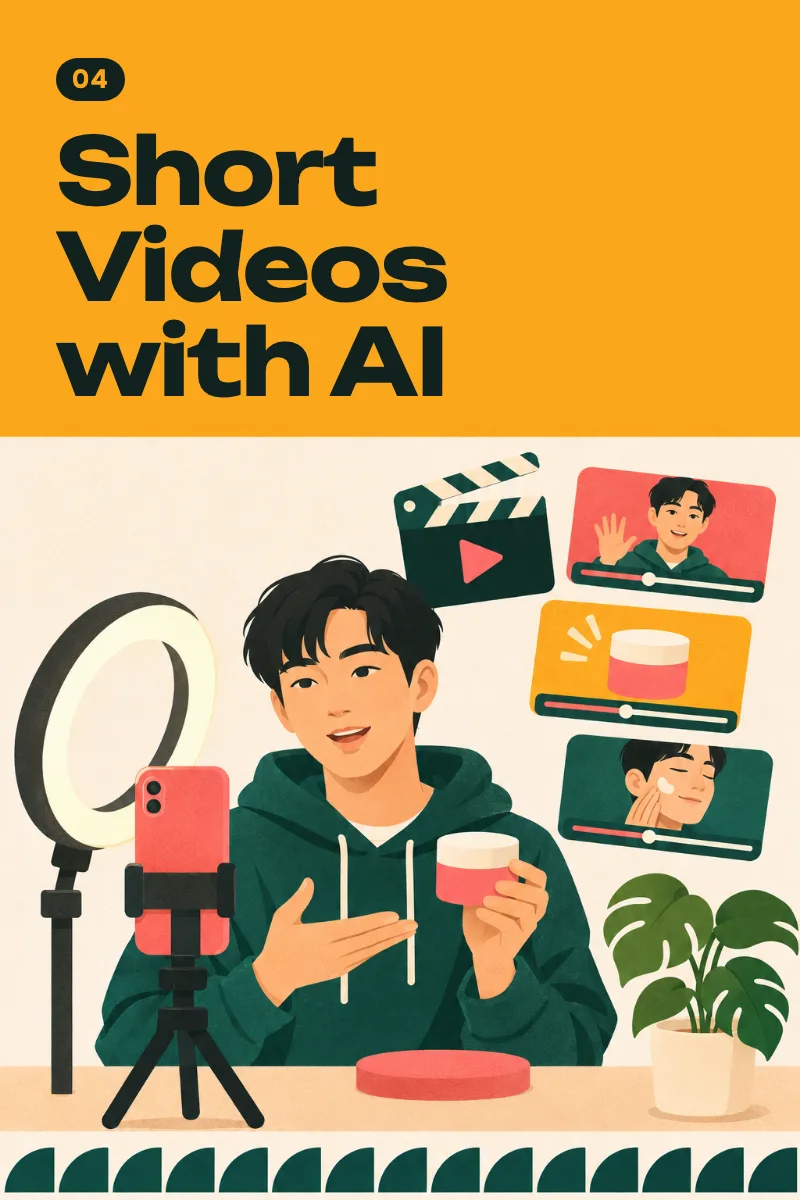
Make original 30-second videos on your phone, labeled and disclosed correctly.
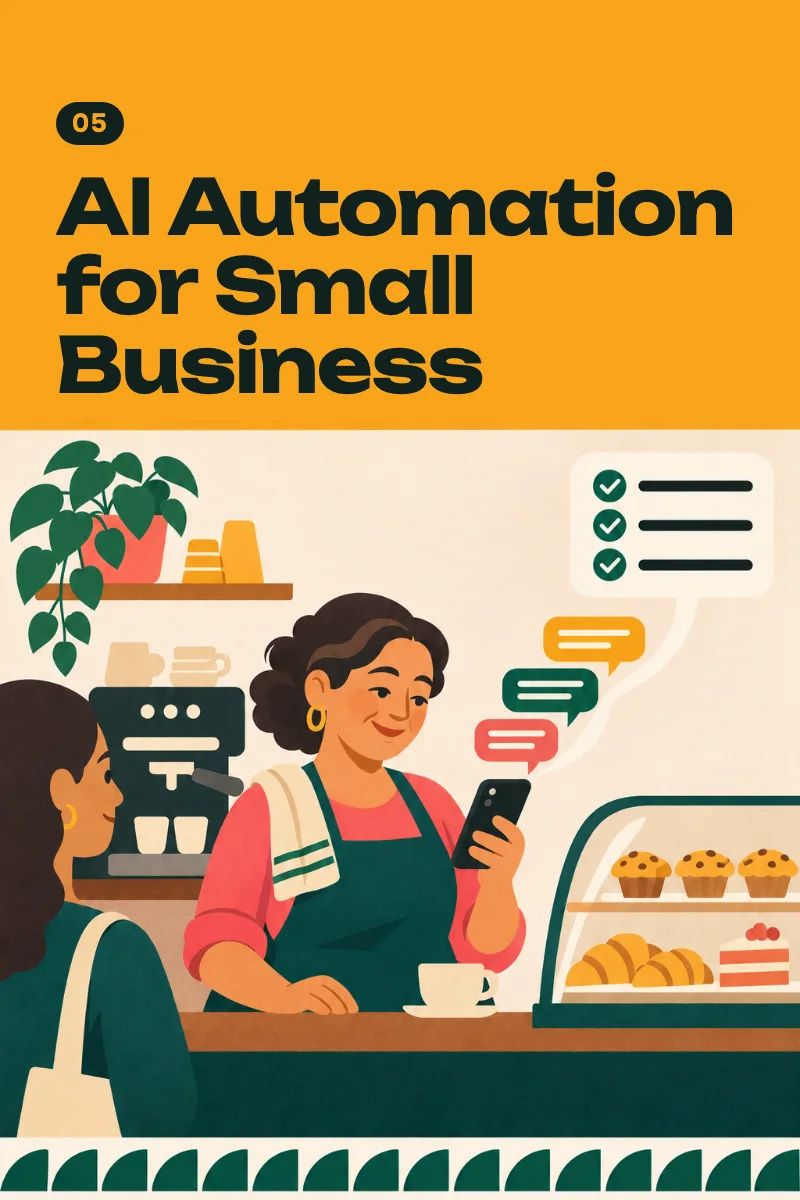
Ready replies, an inquiry form with an alert, and AI drafts a person approves.