Lesson 1 is free
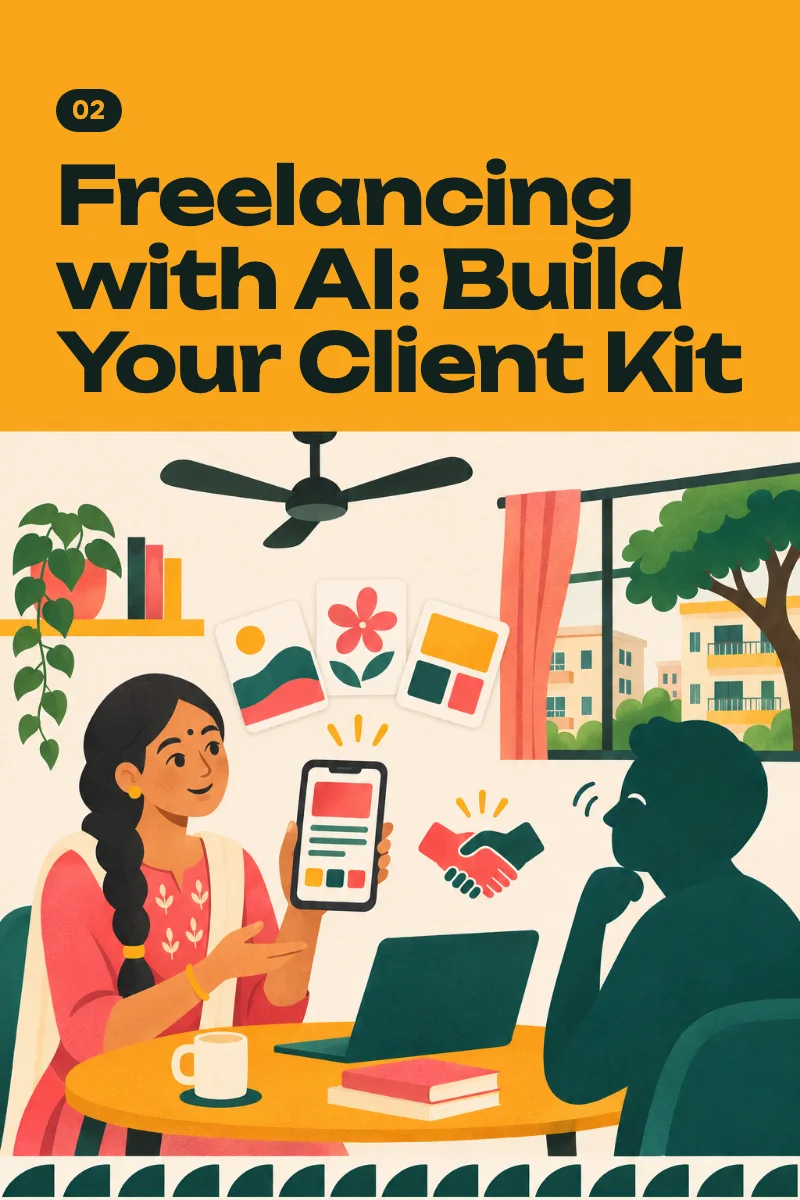
Freelancing with AI: Build Your Client Kit
Choose one service, make three samples, set a fair price and send real proposals, starting with businesses near you. On your phone, with free AI tools.
₹299See the guide
Audio guide · 8 lessons
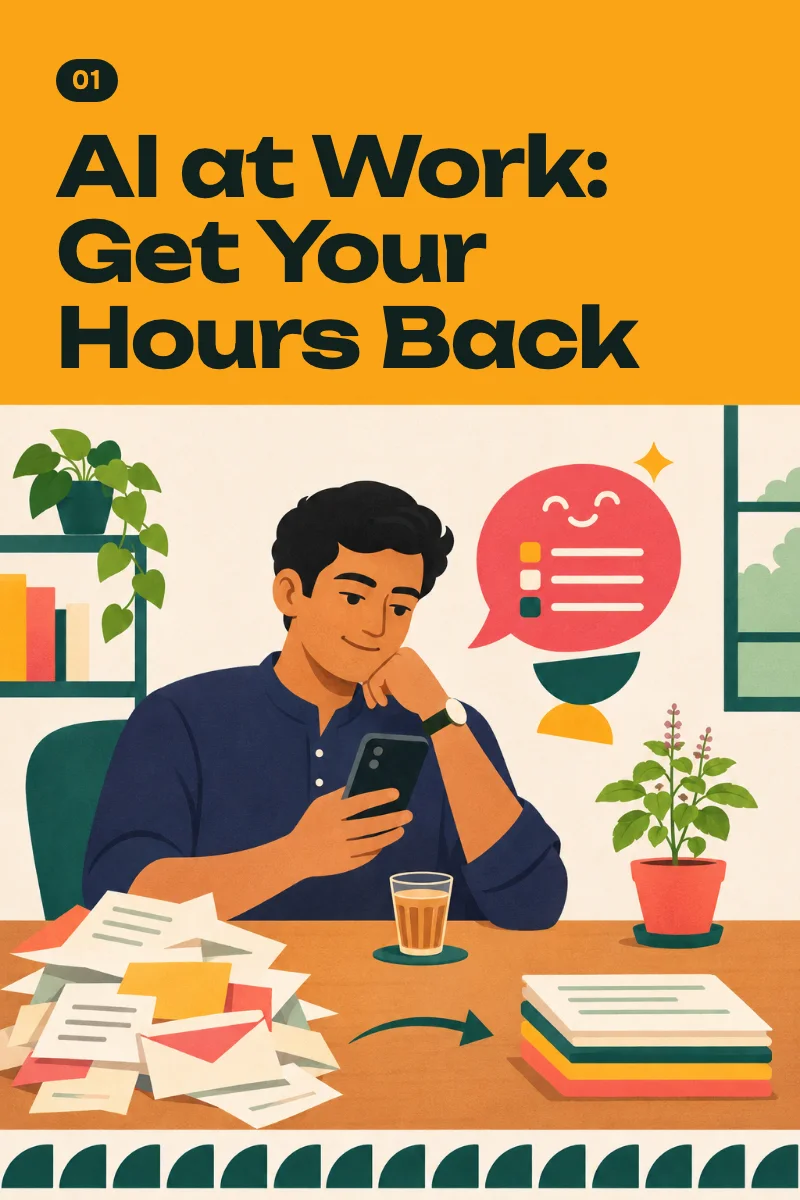
Replies, e-mails, summaries, Excel sheets and PPT outlines with a free AI assistant on your phone, plus a kit of prompts tested on your own tasks.
You will learn to hand the repetitive parts of your work, such as replies, summaries, short reports and slide outlines, to a free AI assistant on your phone, check what comes back, and keep the prompts that work; how much time you get back depends on your work and on how often you practise.
From lesson 1: One assistant, one real reply
One assistant, one real reply
0:00 / 4:27
8 lessons · 39 min
Set up one free AI assistant on your phone and use it to answer a real message that has been waiting for you since morning.
Role, Task, Context, Format: four short lines that turn a generic answer into one you can send, plus an About me block you write once.
Give the assistant the real material from your phone by paste, photo, file or voice, and learn to tell when it has read only part of it.
Spot the answers that need checking, check them in two minutes, and write your own red lines for private and office information.
Answer work messages and e-mails faster in your own voice, including the hard ones, and polish your English without losing yourself.
Get a summary you can check from a long circular, turn rough meeting notes into MoM, and catch up on a busy WhatsApp group.
Turn a small Excel table into a short report you have checked and a five-slide PowerPoint outline, and get formulas written and explained for your sheet.
Put your tested prompts in order, build one starter block that works in any assistant, and set a short weekly routine to plan and review.
₹199
One-time payment. No subscription, no auto-debit.
Secure checkout. Pay by:
Not useful? Full refund within 14 days
Something else? Write to us. A person replies.
No. Every lesson was built on free plans, as of November 2026, and no card is needed. Free plans have limits, and the lessons say what to do when you reach one. If you ever want more, ChatGPT Go and Google AI Plus are listed at ₹399 a month in India as of November 2026 and can be paid by UPI. Check the current price in the app. Nothing in this course needs a paid plan.
Yes. Every action step was designed for a mid-range Android phone. Building the final PowerPoint file in Lesson 7 is quicker on a laptop; on the phone you get the full outline and speaker notes.
Yes. The lesson pages are in simple Indian English and the audio is in conversational Hinglish, so you can read, listen, or both. You fill the prompt brackets in English, Hinglish or your own language, and tell the assistant which language you want back. These lessons are narrated by an AI voice. They were prepared with AI tools, then checked and edited by a person in November 2026.
No, and partly yes. This course teaches an office skill and promises no income. The information exists online; what you get here is a tested order, Indian office examples, prompts we ran ourselves, and a finished kit instead of a hundred saved videos. Lesson 1 is free, so you can judge first. You pay once, by UPI or card, and you can ask for a full refund within 14 days of purchase.
It depends on your employer, and we cannot answer for them. Lesson 4 gives you the list of what never goes into a chat (passwords, OTPs, UPI PIN, Aadhaar, PAN, card and bank details, other people's details), a two-minute way to check answers, and a short message to ask your manager. In back-office or client-account work, your account's rule comes first.
An AI assistant writes confident sentences whether it is right or wrong. It can invent a number, a date or a rule, and it can misread a photo. That is why the lesson on checking comes before the lessons on real work, and why our prompts ask the assistant to say where its facts came from. Free plans have limits: on a busy day you may be asked to wait a few hours, a long file may be read only in part, and buttons we describe in November 2026 may move. Your office or college may restrict AI, and some information must never go into a chat; we show you how to work within your rule, not around it. This course will not do your job for you and will not make you an expert in a week. It makes no promise about money, promotion, salary or a new career. How much time you get back depends on your work and on whether you practise. Some tasks get much faster, some do not change, and you find out by timing your own.
Try any guide for two weeks. If it is not useful to you, write to us within 14 days of purchase and we refund the full amount to your UPI account or card. No forms, no questions about why.
Choose one service, make three samples, set a fair price and send real proposals, starting with businesses near you. On your phone, with free AI tools.
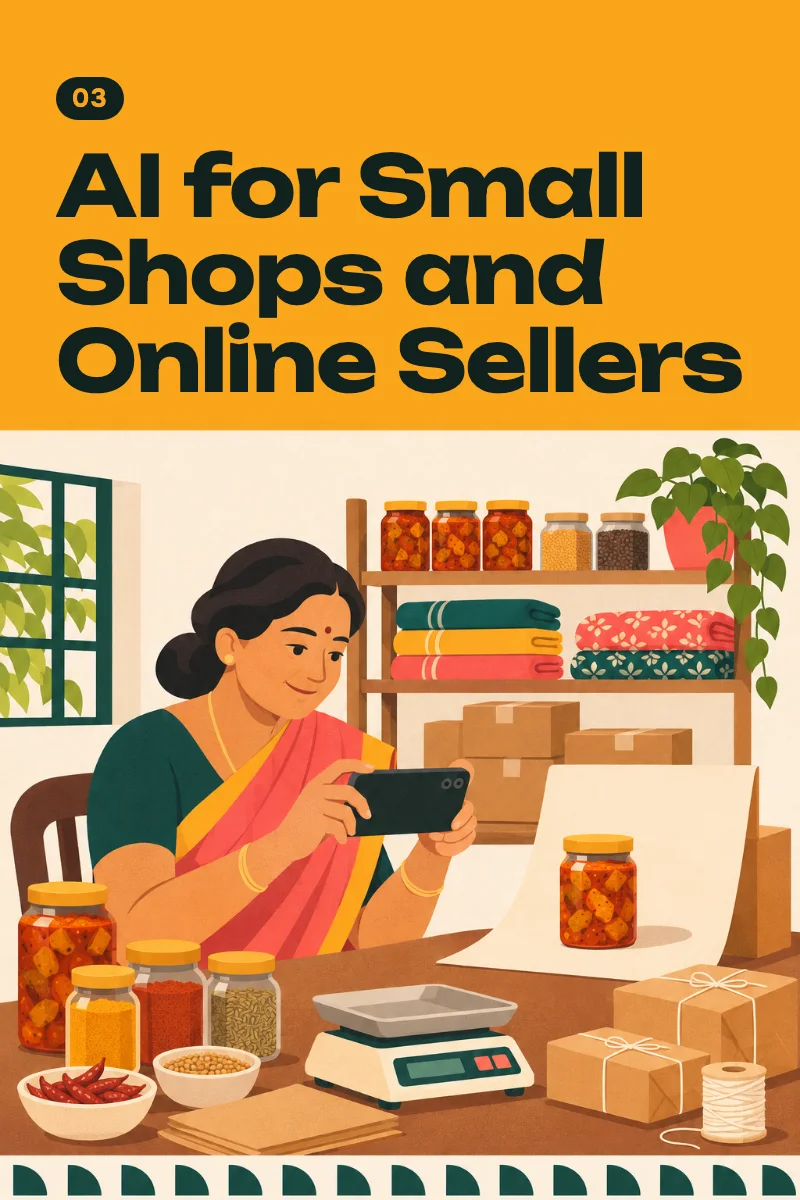
Clear product photos, catalogue items and listings, ready replies, a short video and a margin sheet for one real product. On your phone, on free plans.
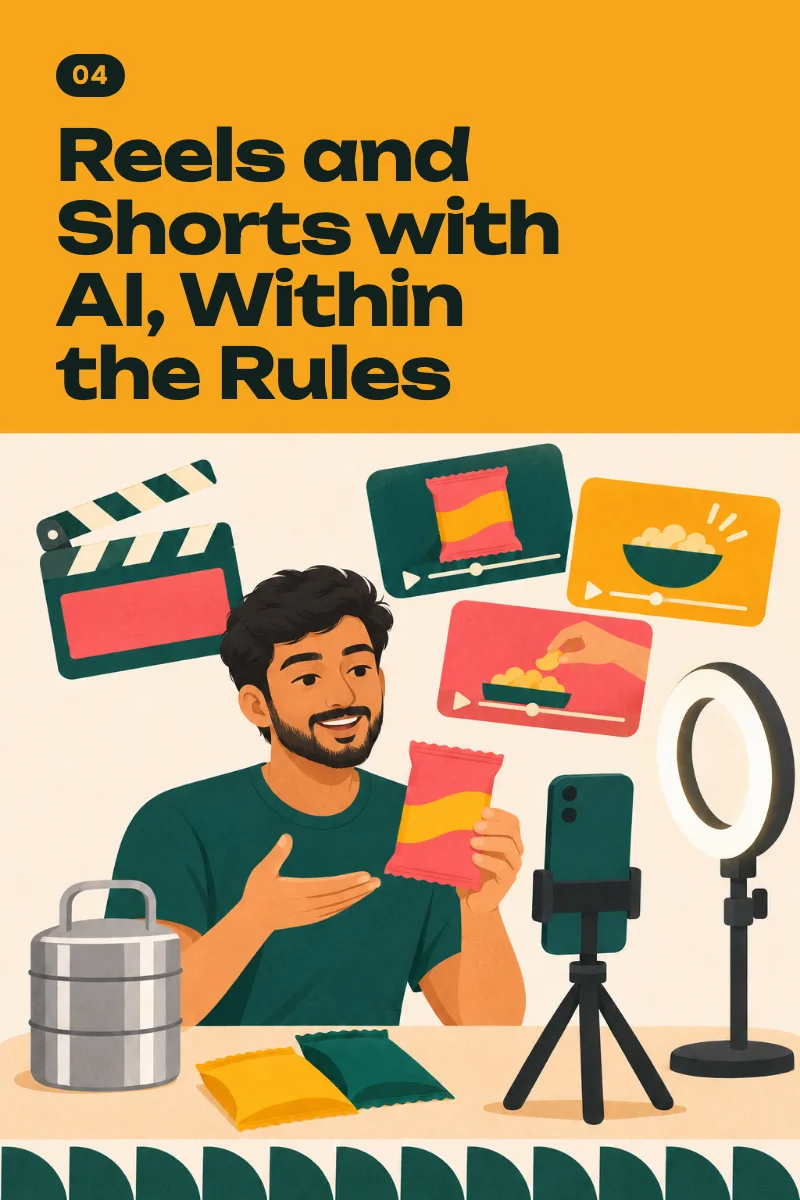
Plan, film, voice, edit, label and post one original 30-second video, and read the real rules of affiliate links and YouTube's programme before you invest months.
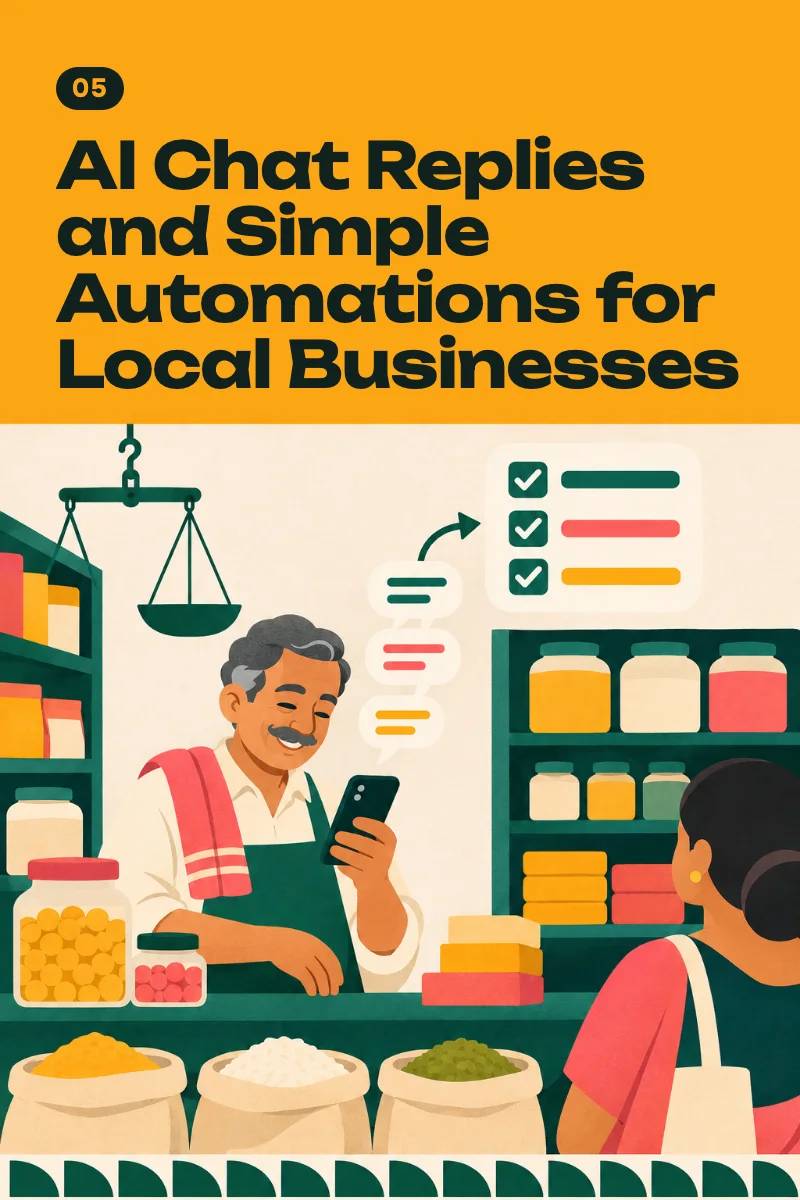
Build a Reply Desk for one real business on WhatsApp: ready answers, an enquiry form that alerts the owner, and AI drafts a person approves. No coding.